
MSONENOTE
OneNote - Meet Microsoft OneNote
LEVEL
Basic / Intermediate
COURSE LENGTH
All session content is customizable and is typically delivered Demo-Style in 60-minute, 90-minute, or 180-minute sessions per day; longer sessions provide more time for hands-on interaction and Q&A.
Course Description
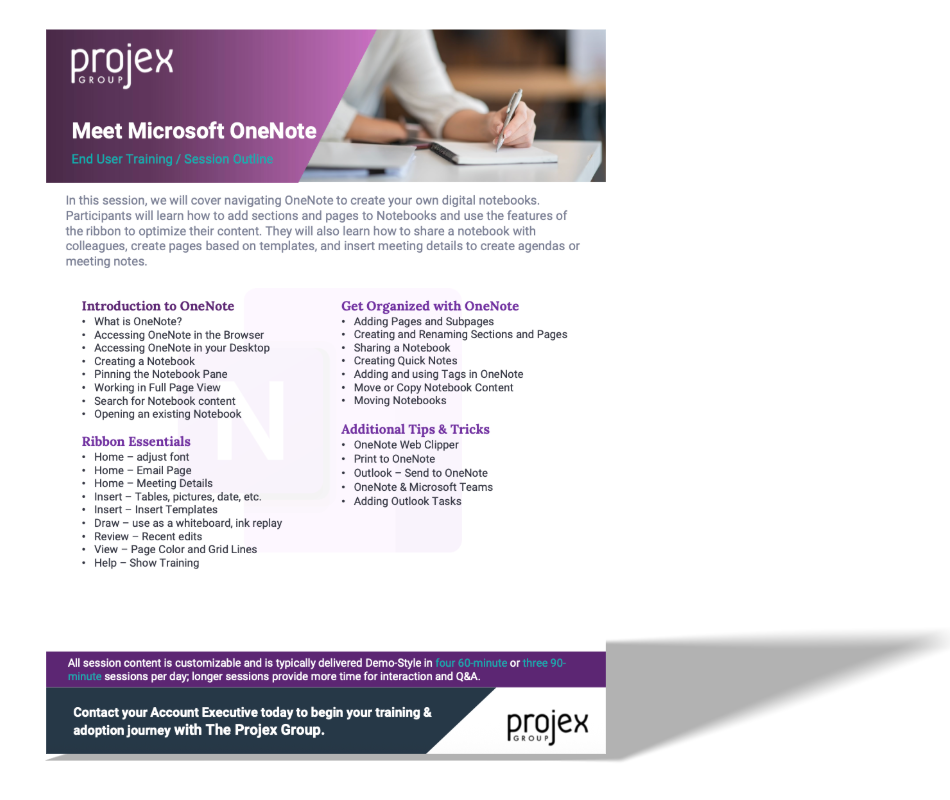
In this session, we will cover navigating OneNote to create your own digital notebooks. Participants will learn how to add sections and pages to Notebooks and use the features of the ribbon to optimize their content. They will also learn how to share a notebook with colleagues, create pages based on templates, and insert meeting details to create agendas or meeting notes.
Learning Objectives:
Intro to OneNote
Ribbon Essentials
Get Organized with OneNote
Additional Tips & Tricks