
M365PRODUCTVITY
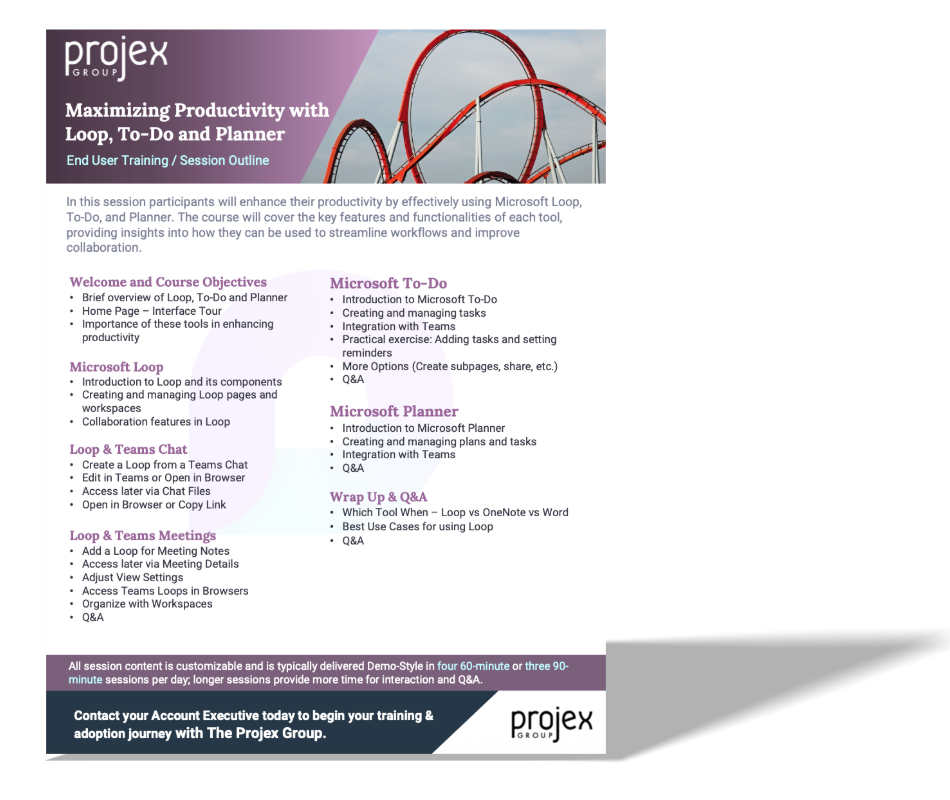
Maximizing Productivity with Loop, To-Do and Planner
LEVEL
Basic / Intermediate
COURSE LENGTH
All session content is customizable and is typically delivered Demo-Style in 60-minute, 90-minute, or 180-minute sessions per day; longer sessions provide more time for hands-on interaction and Q&A.
Course Description
In this session participants will enhance their productivity by effectively using Microsoft Loop, To-Do, and Planner. The course will cover the key features and functionalities of each tool, providing insights into how they can be used to streamline workflows and improve collaboration.
Learning Objectives:
Microsoft Loop
Loops & Teams Chat
Loop & Teams Meetings
Microsoft To-Do
Microsoft Planner