
MS365OVERVIEW
M365 Overview: Desktop Applications
LEVEL
Basic
COURSE LENGTH
All session content is customizable and is typically delivered Demo-Style in 60-minute, 90-minute, or 180-minute sessions per day; longer sessions provide more time for hands-on interaction and Q&A.
Course Description
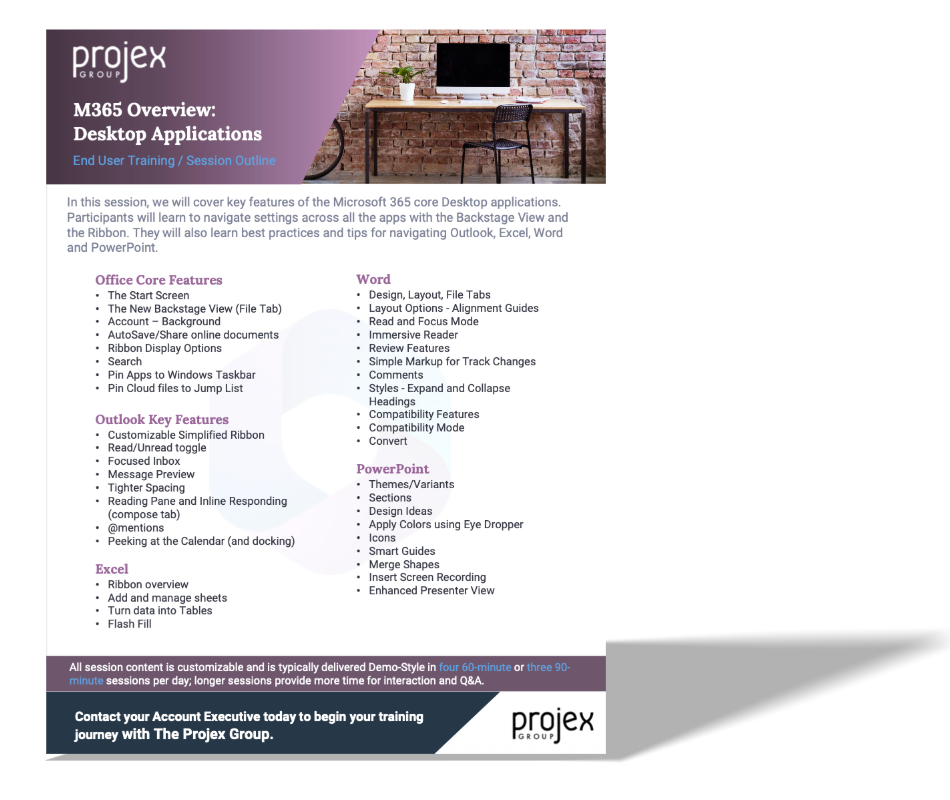
In this session, we will cover key features of the Microsoft 365 core Desktop applications. Participants will learn to navigate settings across all the apps with the Backstage View and the Ribbon. They will also learn best practices and tips for navigating Outlook, Excel, Word and PowerPoint.
Learning Objectives:
Office Core Features
Outlook Key Features
Excel
Word
PowerPoint