
MSLOOP
Loop - Meet Microsoft Loop
LEVEL
Basic / Intermediate
COURSE LENGTH
All session content is customizable and is typically delivered Demo-Style in 60-minute, 90-minute, or 180-minute sessions per day; longer sessions provide more time for hands-on interaction and Q&A.
Course Description
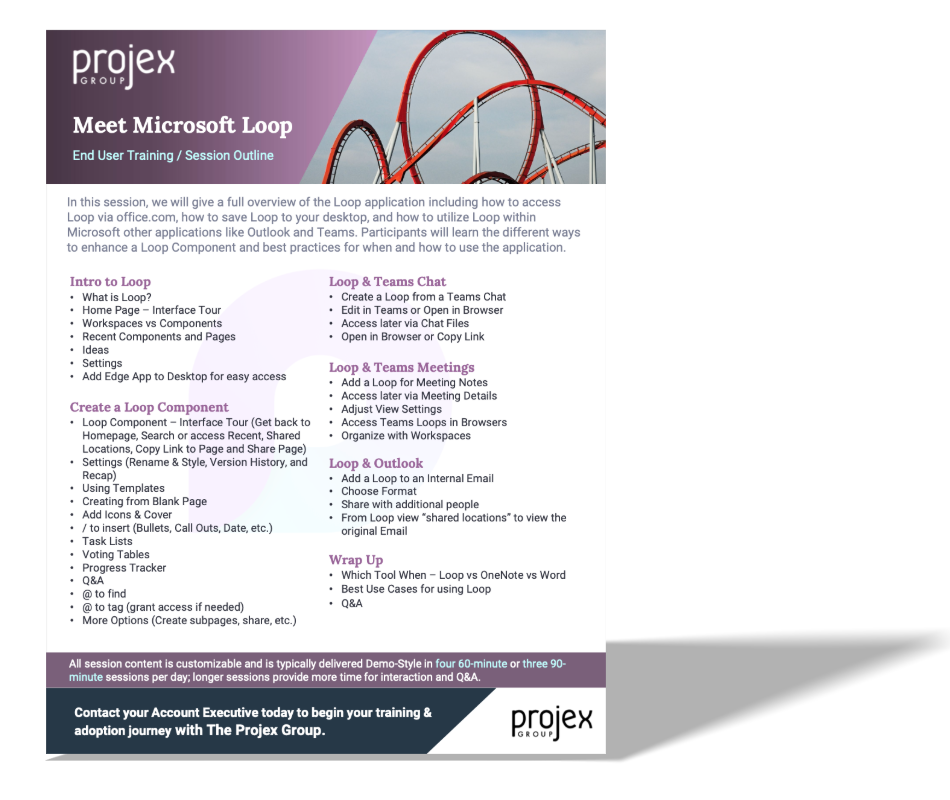
In this session, we will give a full overview of the Loop application including how to access Loop via office.com, how to save Loop to your desktop, and how to utilize Loop within Microsoft other applications like Outlook and Teams. Participants will learn the different ways to enhance a Loop Component and best practices for when and how to use the application.
Learning Objectives:
Intro to Loop
Create a Loop Component
Loop & Teams Chat
Loop & Teams Meetings
Loop & Outlook